
On this page
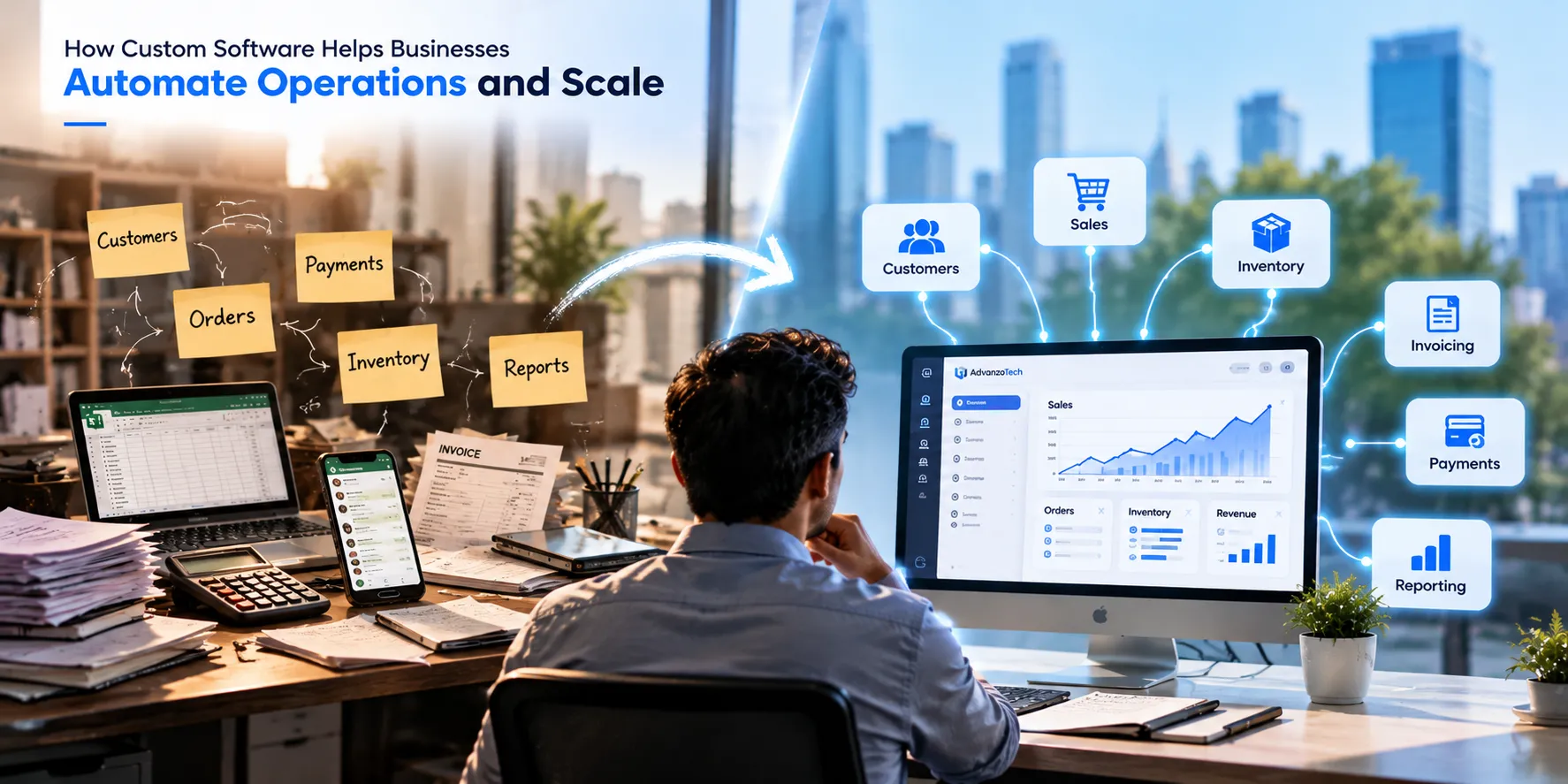
Most growing businesses don't have a software problem at first. They have a workflow problem.
A spreadsheet handles customers. WhatsApp keeps the team connected. Invoices are prepared separately. Payments are recorded somewhere else. For a small operation, that can work perfectly well.
The difficulty starts when the business grows but the process doesn't.
More customers mean more records to maintain. More transactions mean more chances for something to be missed. More employees mean information has to move between more people. Eventually, a process that once felt simple starts taking too much time.
This is where custom software can make sense — not because every business needs its own application, but because sometimes the way a business works simply doesn't fit neatly inside ready-made software.
Custom software should solve a workflow, not just replace a spreadsheet
When people hear "custom software," they often imagine dashboards, mobile apps and dozens of features.
That's not where we think a software project should begin.
A better starting point is much simpler: what is your team doing repeatedly that technology could handle better?
Maybe an employee records a sale, then reduces inventory, prepares an invoice, updates the customer's balance and finally adds the numbers to a daily report.
The problem isn't that any one of those tasks is particularly difficult. The problem is that one business event has created five separate jobs.
A sale shouldn't create five more manual tasks for your team.
In a connected system, the employee could record the sale once. Everything that depends on that sale can happen from the same action.
The transaction is recorded.
Inventory is updated.
The invoice is generated.
The customer's ledger is updated.
Management reports reflect the new transaction.
That's the kind of automation that matters. It isn't automation for the sake of having more technology. It's removing work that shouldn't need to be repeated.
Growth exposes processes that don't scale
There's nothing wrong with starting with spreadsheets or simple tools. In fact, building custom software too early can be an unnecessary expense.
If you have 20 customers and a spreadsheet handles everything comfortably, replacing it may provide very little value.
But the same spreadsheet can become a very different experience at 200, 2,000 or 20,000 customer records.
The signs usually appear gradually.
The same information is entered in more than one place.
Staff spend time searching through messages for customer information.
Reports have to be prepared manually.
Management has to ask someone for numbers that should already be available.
One missed update causes another record to become incorrect.
Important processes depend on one particular employee knowing what to do next.
At that point, adding another spreadsheet usually isn't the answer.
Connecting operations is where things become interesting
Replacing paper with a digital form is useful, but the bigger opportunity comes from connecting the parts of the business that depend on each other.
Consider a delivery business.
Marking an order as delivered may look like one simple action. Behind that action, however, several things might need to happen:
The delivery status changes.
Delivered quantities are recorded.
Returned items or containers are tracked.
A payment may need to be recorded.
The customer's outstanding balance changes.
Daily sales and delivery reports need to update.
If employees have to update each of these separately, the software isn't really managing the workflow — it's just giving the team several digital forms to fill in.
A better system understands that these actions belong to the same business process.
Good business software doesn't just store information. It understands what should happen next.
One source of truth matters more than another dashboard
Dashboards look impressive, but a dashboard is only useful when the information behind it can be trusted.
Imagine sales showing one number while accounting has another because one system wasn't updated. Or inventory showing stock that was actually delivered yesterday but never deducted.
This is why connected data matters.
When sales, payments, customers, inventory and operational records work together, management doesn't need to combine several files just to understand what happened today.
They should be able to answer practical questions quickly:
What did we sell today?
Which customers still owe us money?
Which orders haven't been completed?
What is running low?
Where is our team spending the most time?
That's far more valuable than adding charts simply because a modern application is expected to have a dashboard.
Custom software isn't always the right answer
This is important.
We build software, but we don't believe every business problem requires custom development.
If an existing product already handles your workflow well, is reasonably priced and can grow with you, using it may be the smarter decision.
Ready-made software often makes sense when:
Your business follows fairly standard processes.
An existing platform already covers most of what you need.
You want to start quickly.
Your team doesn't need significant integrations or customization.
Custom software becomes more interesting when:
Your team is constantly working around limitations in existing software.
Several separate systems are required to complete one workflow.
Employees repeatedly enter the same information.
Your business has processes that are genuinely different from standard solutions.
You need your systems to communicate with other platforms or services.
Your current setup is becoming harder to manage as the business grows.
The question isn't "Is custom software better?"
The better question is: "Is the way we're working today starting to hold the business back?"
The same principle applies across different industries
The workflows change from industry to industry, but the underlying problem is often surprisingly similar.
For a school
A new admission shouldn't mean entering the same student information into separate systems for records, fees, classes and communication.
One student record should become part of the wider academic and administrative workflow.
For a delivery operation
Completing a delivery shouldn't require separate updates for the order, inventory, payment and customer balance.
Those records are connected in the real business, so they should also be connected in the software.
For a clinic
Appointments, patient records, billing and related operational information shouldn't feel like unrelated applications if staff need them as part of the same patient journey.
For a service company
A lead can eventually become a quotation, customer, project, invoice and payment. Re-entering the same information at every stage creates work that software can often remove.
Different industries. Different rules. The same idea: design the system around the workflow.
Start with the process, not a giant feature list
One mistake we try to avoid is starting a software project with a huge list of features.
"We need a dashboard, mobile app, notifications, AI, reports, chat, analytics..."
Maybe you do. But those aren't the first questions.
Before deciding what to build, we would rather understand:
What happens when a customer first enters the process?
Who handles the next step?
What information do they need?
Where is that information currently stored?
What gets entered more than once?
Where do mistakes normally happen?
What does management need to see?
Which part frustrates the team the most?
Once those answers are clear, the useful features usually become much easier to identify.
Build for today's problem without creating tomorrow's problem
There's another side to custom development that users don't normally see: the decisions underneath the interface.
A system might work perfectly with a small amount of data but struggle badly as usage grows. Permissions that seem simple initially can become important when more employees join. A process that runs instantly today might need background processing once transaction volume increases.
That's why architecture, database design, security, caching, queues, integrations and monitoring matter.
Users shouldn't have to think about most of those things. They should simply experience software that remains reliable as their operation grows.
Good engineering is often most noticeable when you don't have to think about it.
How we think about software at AdvanzoTech
At AdvanzoTech, we're interested in the point where technology meets actual business operations.
Building another screen is usually the easy part.
Understanding what should happen when someone presses a button, which records should change, who should be notified, what happens if something fails, and how the information should appear elsewhere in the system — that's where much of the real work happens.
Whether we're working on a SaaS platform, an internal business system, an API integration or workflow automation, we try to begin with the same question:
What problem are we actually trying to remove?
Sometimes the answer requires custom software. Sometimes it requires improving an existing process. And sometimes an existing product is already good enough.
Technology should earn its place in the workflow.
Final thoughts
Custom software isn't valuable simply because it was built specifically for a company.
It's valuable when it removes unnecessary work.
When one action replaces several manual updates. When employees stop entering the same information twice. When management can see what's happening without waiting for a report. When the system follows the business instead of forcing the business into awkward workarounds.
That's when software stops being another tool to manage and starts becoming part of how the business operates.
Don't automate everything. Automate the friction.
Have a workflow that feels harder than it should?
Tell us how your current process works. We'll help you explore whether software could simplify it — and what would actually be worth building.